
How To
Managing Reminders
January 30, 2024
Your Reminders are located on the left hand side menu:

Due dates are colour coded:
| A reminder is green when the due date is further than two weeks ago. |
Red | A reminder turns red when the due date is today or in the past. |
| Yellow | A reminder turns yellow when it is due within two weeks. |
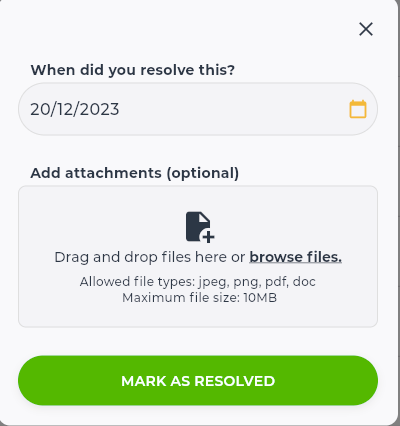
When you have completed the task, you can click the Resolve Reminder button, which will then give you an option to add a document:
You can contact the Mutu support team at any time via support@mutu.freshdesk.com